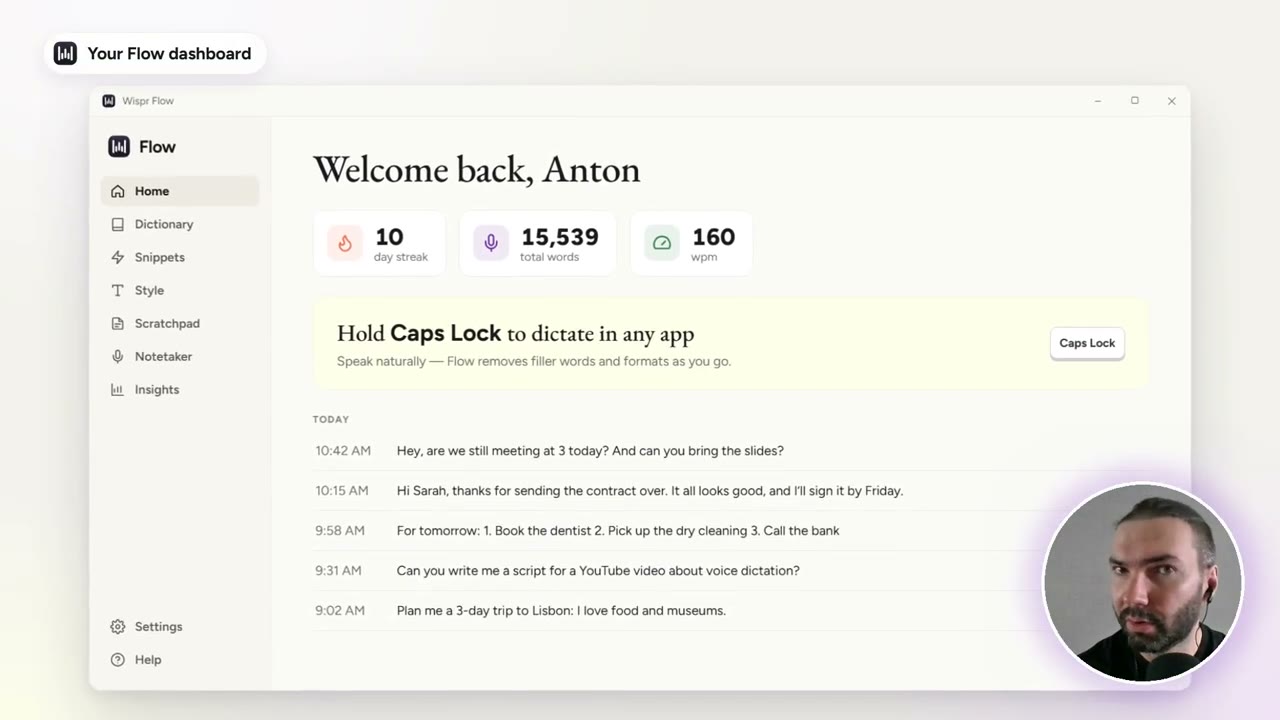
For the last two weeks I’ve been hooked on Wispr Flow, a voice-typing app, because it makes writing so much easier, especially prompts for AI. You hold Caps Lock, talk the way you normally talk, and it types clean text into whatever app you’re in.
I’d tried the voice typing built into Gemini, Claude and ChatGPT. None of them was ever that good, and none of them cleans up and formats what you say the way Wispr Flow does.
In short
- How: hold Caps Lock, talk, release. It works in any app.
- Clean text: filler words like “um” and “I don’t know” are removed.
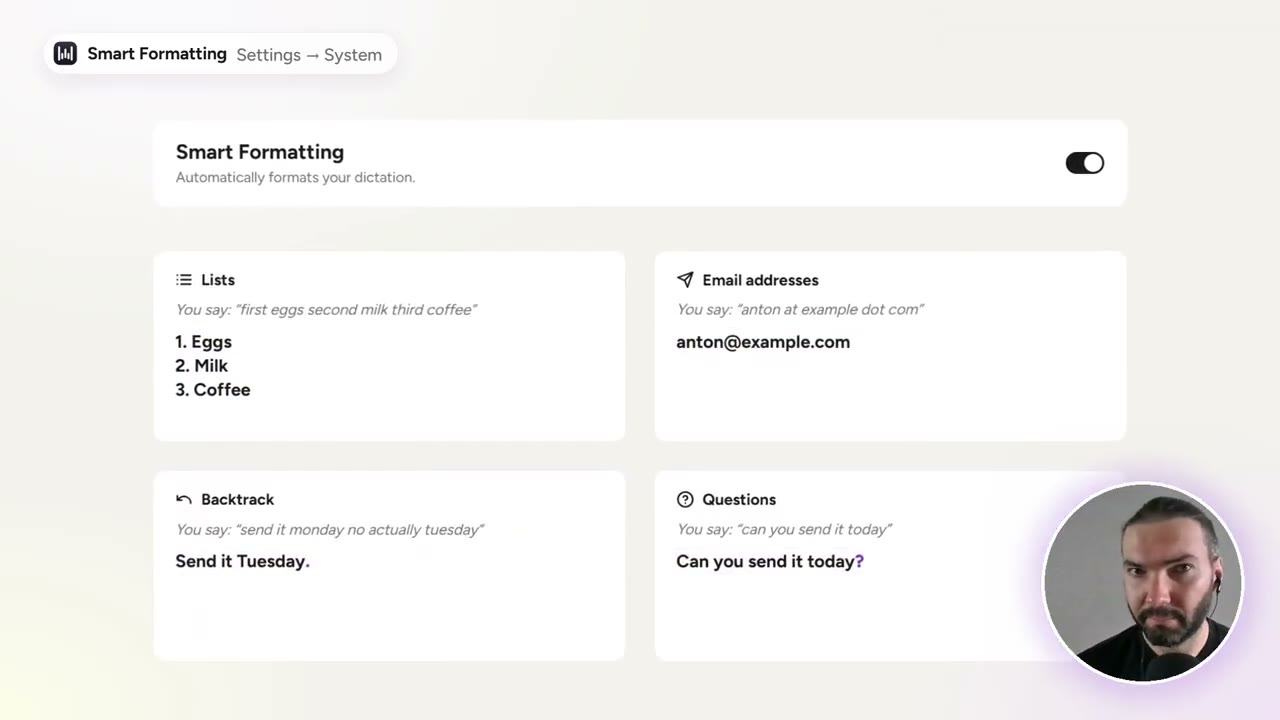
- Backtrack: change your mind mid-sentence and only the correction is kept.
- Prompts: a rambling spoken prompt comes out as tidy bullet points.
- Your words: a dictionary for jargon, and snippets for links and email addresses.
Clean text, without the filler
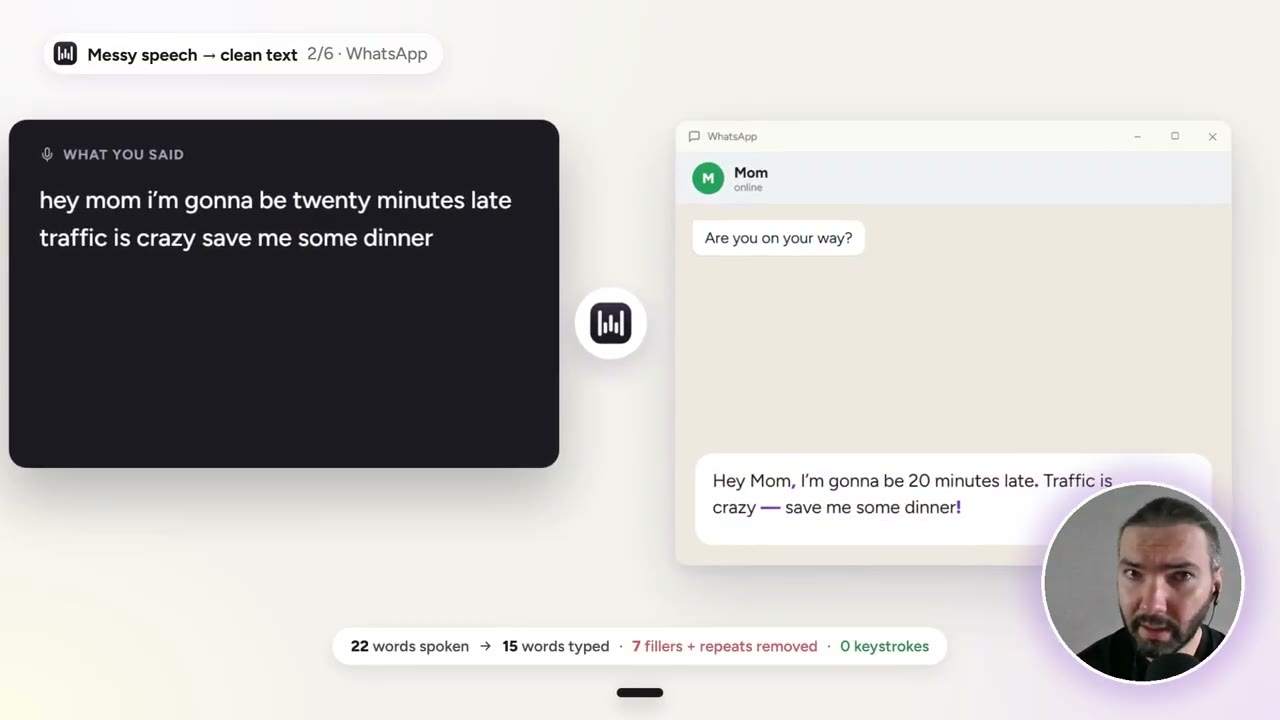
Speech is full of filler. Even while recording the video, I kept hearing my own “ums” and thinking how annoying it is to edit them out by hand. Wispr Flow removes them as you dictate, and formats the sentence properly.
Change your mind mid-sentence
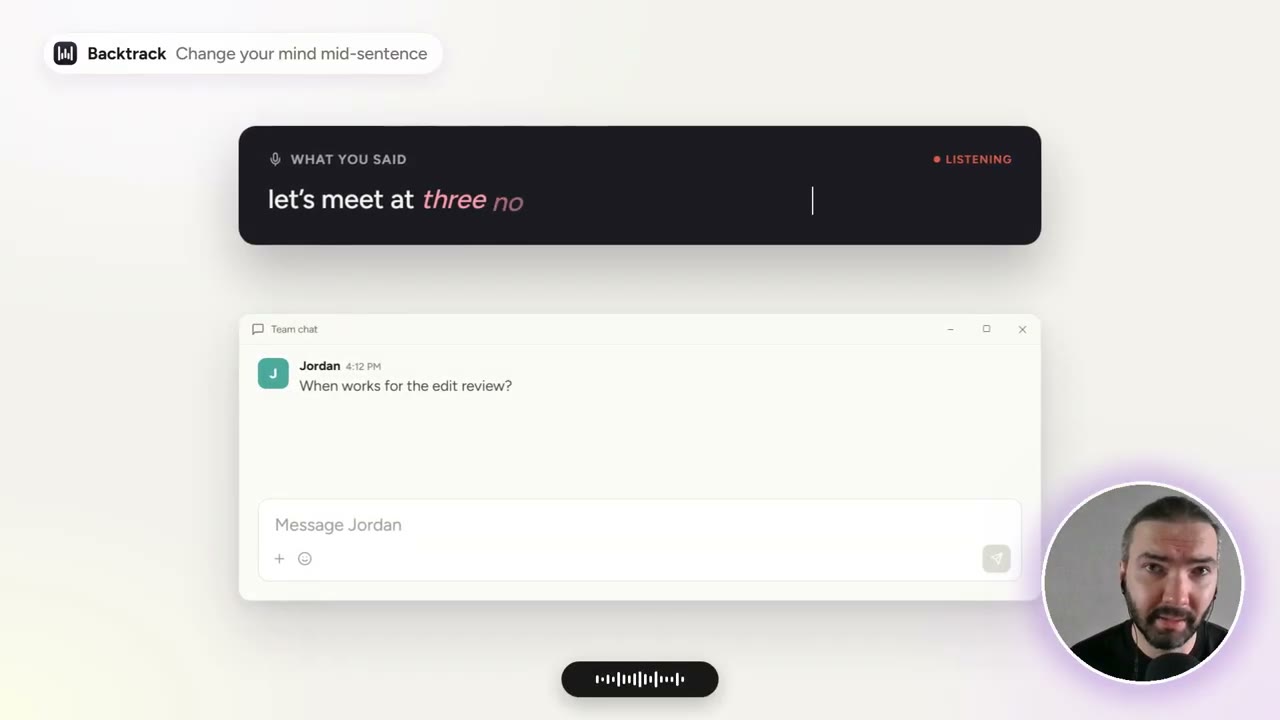
This is the feature that feels like magic. Say “we’re going to meet at 3, oh wait, no, not at 3, at 4”, and it types “at 4”.
It works the same way in a prompt: “I want to develop an app about writing. Oh wait, no, an app about messaging” becomes a prompt about a messaging app.
Prompts in bullet points
This is what I use it for most. You can talk through a prompt the way you’d explain it to a person, list a few points along the way, and it puts them into bullet points, ready for the AI to read.
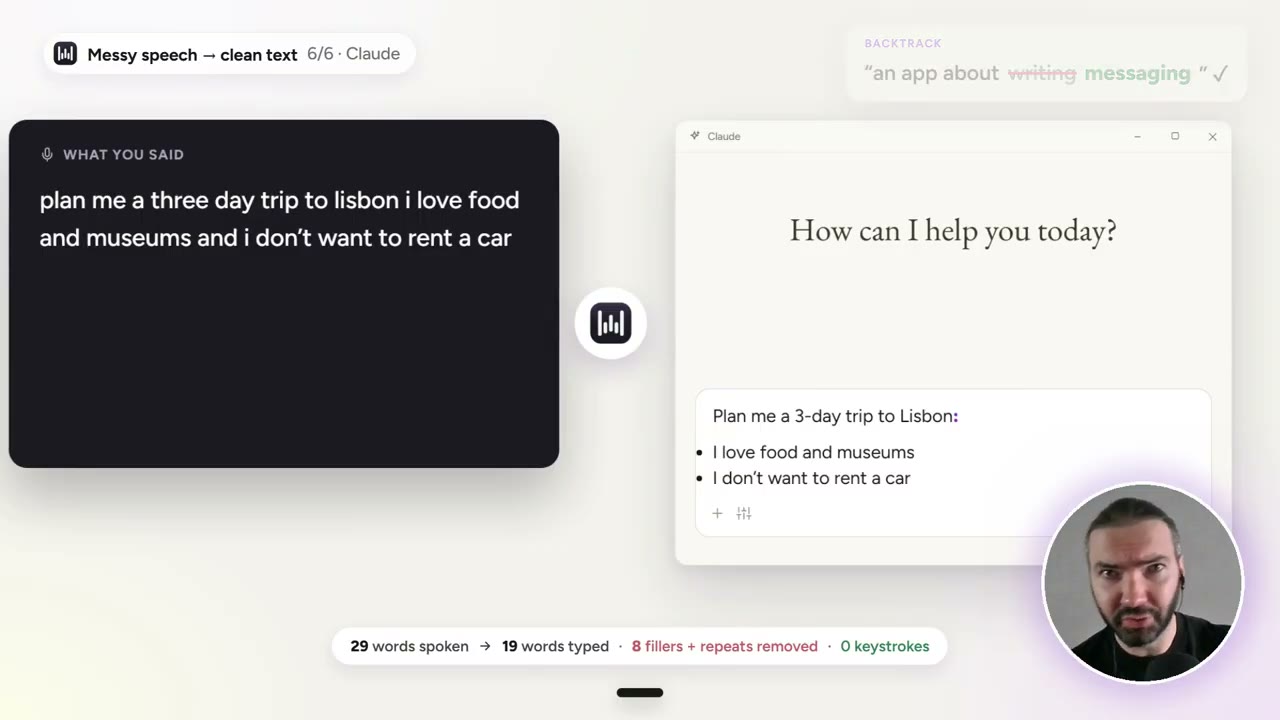
For example, saying “the first thing I want is a sender, then a receiver, and something else” gives you a list with one item per line. In the app’s settings this is part of Smart Formatting, which also handles lists, email addresses and questions.
Teach it your jargon
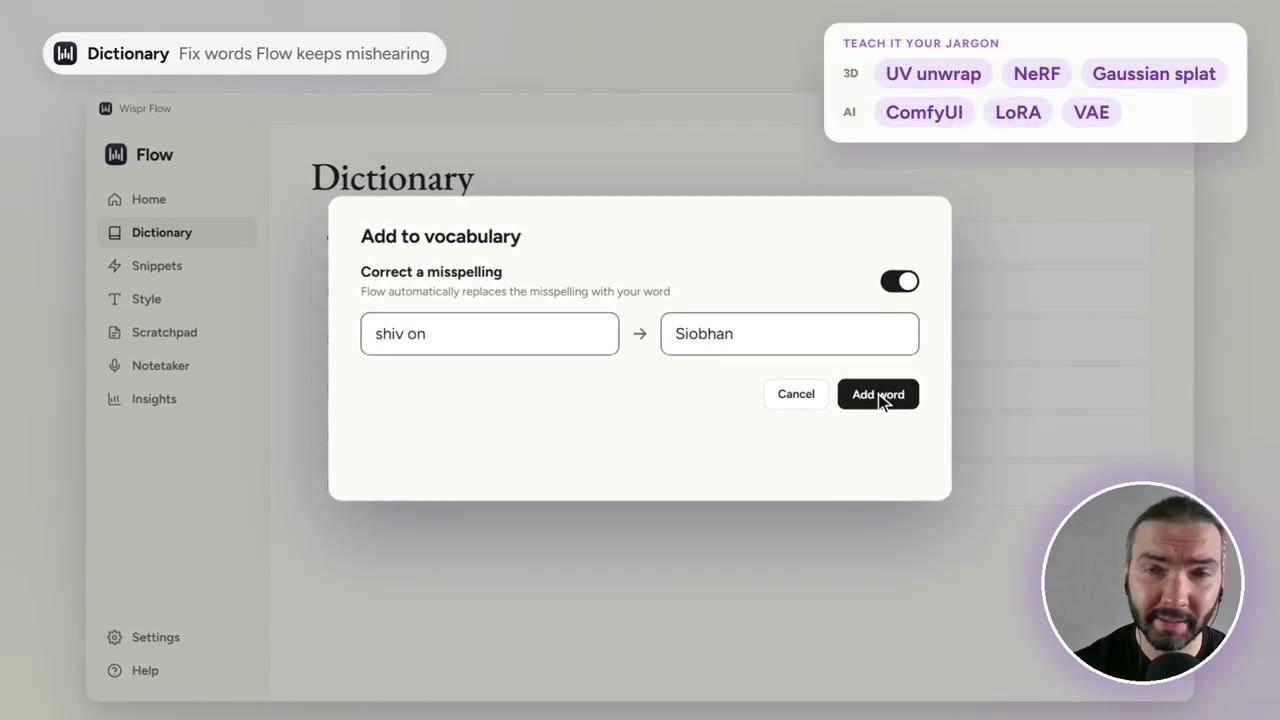
Out of the box, a lot of 3D and AI terminology doesn’t come out right. You can fix that in the Dictionary: add the words you use, or a correction for a word it keeps mishearing.
Snippets for links and emails
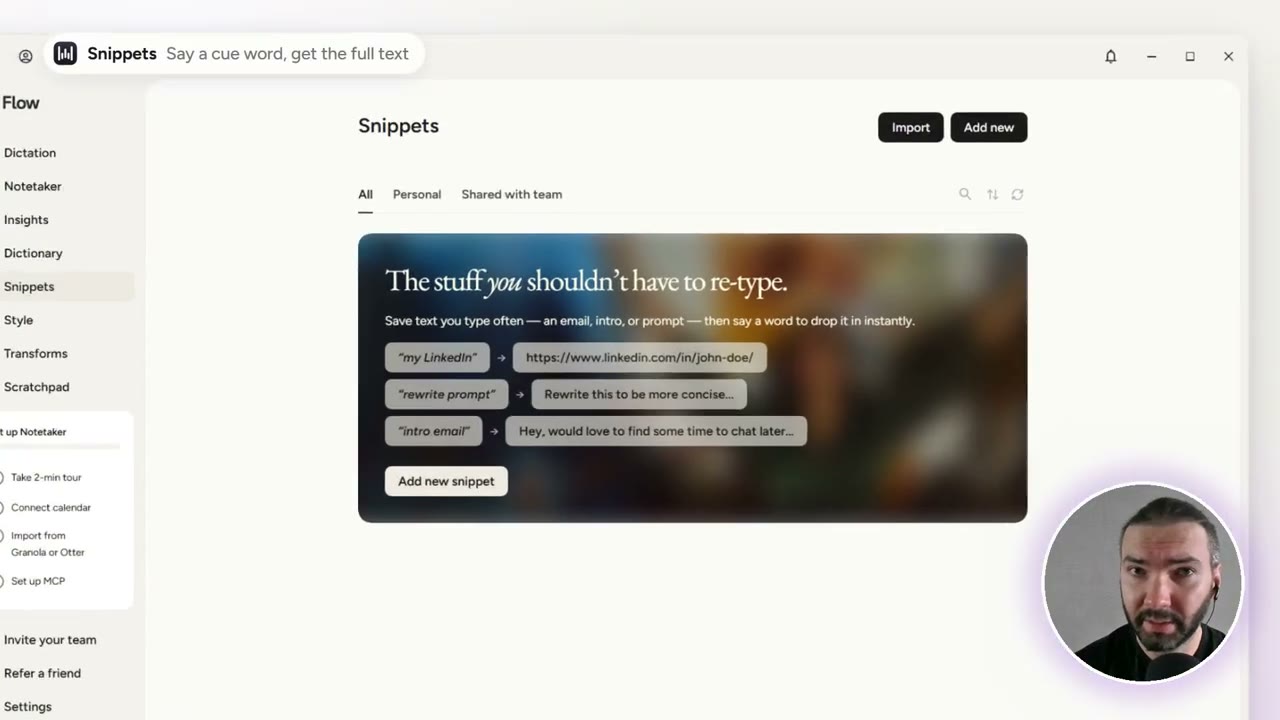
Snippets are cue words that expand into longer text. Say “insert my link” and it types your link; say “insert my email” and it types your address.
Messages and writing styles
I also dictate messages to friends now, because they come out nicely formatted too. You can set a different Style per kind of app: formal, casual or very casual for personal messages, and separate styles for work messages and email.
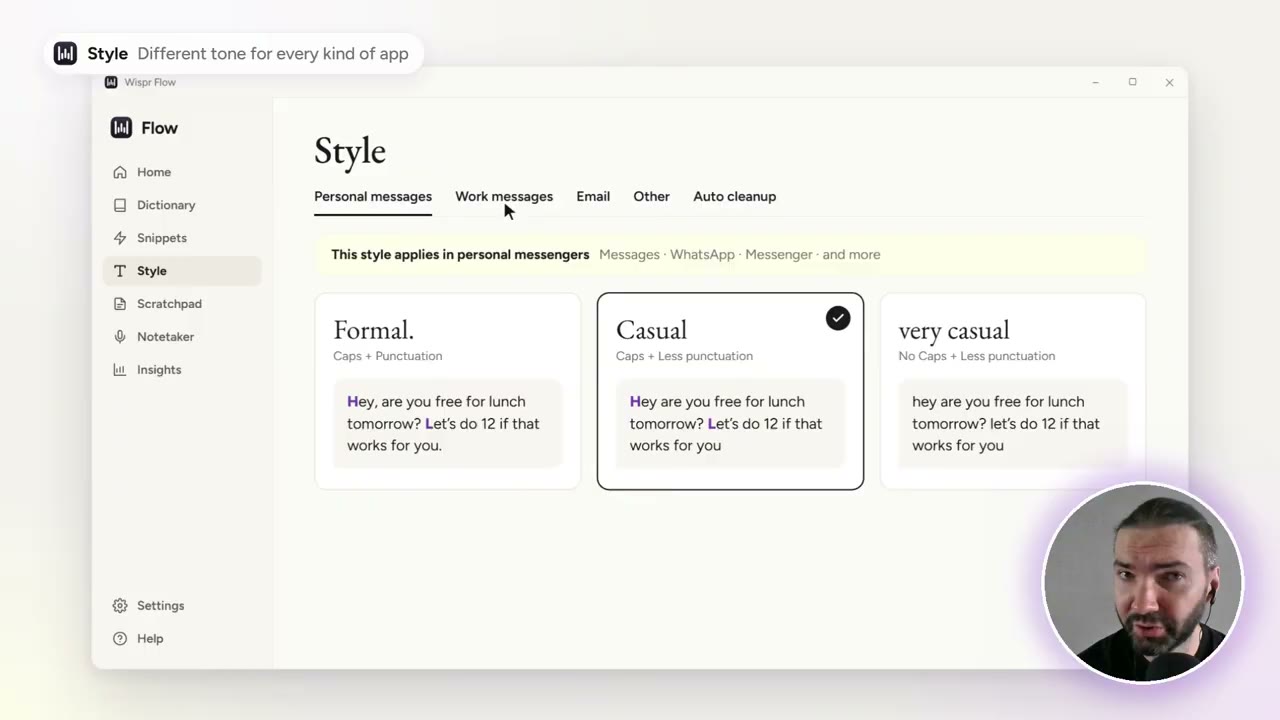
Honestly, for me that’s overkill. I don’t go into the settings much. The best part is how simple it is: press Caps Lock and talk.
How I use it now
A friend told me about it, and I just gave it a try: no setup, I pressed Caps Lock, started talking, and it was better than any voice typing I’d used before. Two weeks later, the dashboard counts over 15,000 words dictated.
Price
When I checked in November 2026, Wispr Flow’s pricing page listed a free plan with a weekly word limit, on Mac, Windows, iPhone and Android, with 100+ languages, the dictionary and snippets. Pro, with unlimited dictation, was $15 a month, or $12 a month billed yearly.
Through my Wispr Flow referral link you get a free month of Wispr Flow Pro. Using it also supports this site and the channel.
Watch the video version (3:17)
Everything above is in the video too, if you'd rather follow along on screen.
FAQ
Is Wispr Flow better than the voice typing in ChatGPT, Claude or Gemini?
In my experience, yes. The built-in voice typing writes down what you say; Wispr Flow also removes filler words, handles corrections you make mid-sentence and formats the text, for example into bullet points.
How do you start dictating with Wispr Flow?
Hold Caps Lock and talk. The text is typed into whatever app you are in.
Does Wispr Flow understand technical terms?
Not always out of the box: 3D and AI terms often come out wrong. You can add them to its dictionary, and it also learns words automatically.
Is Wispr Flow free?
There is a free plan with a weekly word limit, on Mac, Windows, iPhone and Android. Pro, with unlimited dictation, was $15 a month, or $12 a month billed yearly, when I checked in November 2026.

Anton Tenitsky is a 3D artist with 15+ years in computer graphics, working with Nickelodeon, Gameloft, Marvel Rivals and many other clients. More about me